How to Use
Koe Nikki is an app that records your diary by voice. Simply speak into the microphone, and your words are automatically transcribed with a title generated for you.
Basic Flow
1. Start Recording
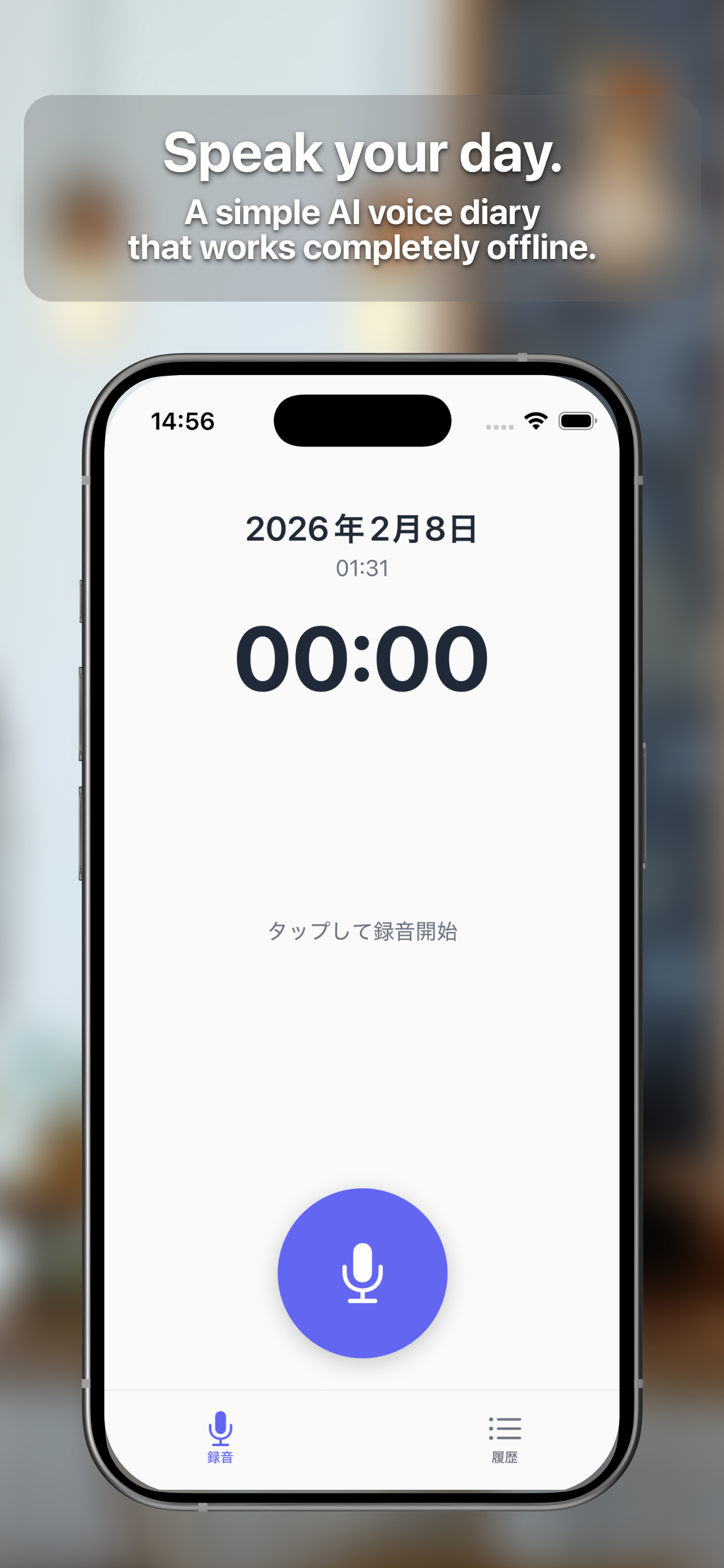
When you open the app, the recording screen appears. Tap the microphone button at the bottom of the screen to start recording.
On first launch, you'll be asked to grant microphone and speech recognition permissions. Please allow them.
2. Speak and It's Transcribed
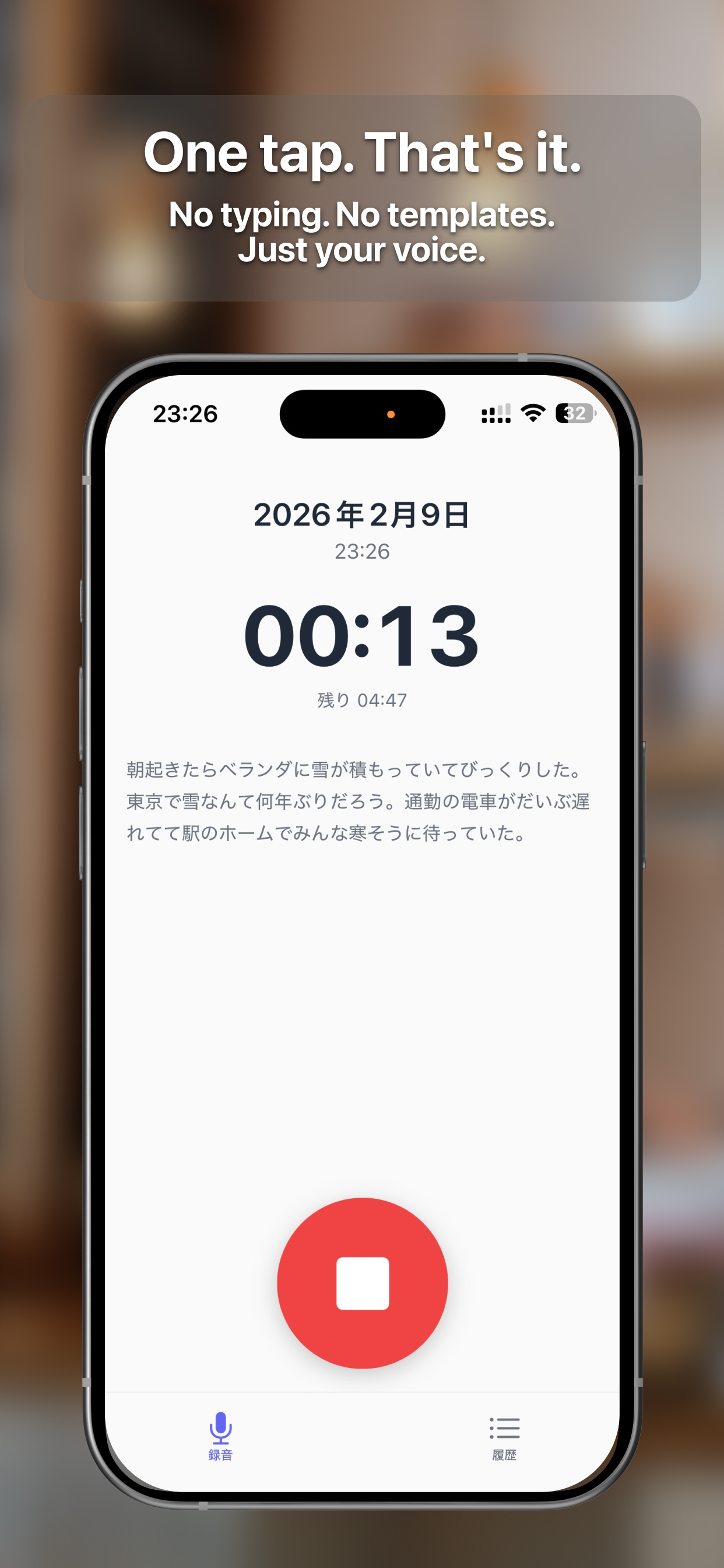
While recording, your spoken words are converted to text in real time. Speech recognition is processed on-device, so no internet connection is needed.
To stop recording, tap the microphone button again.
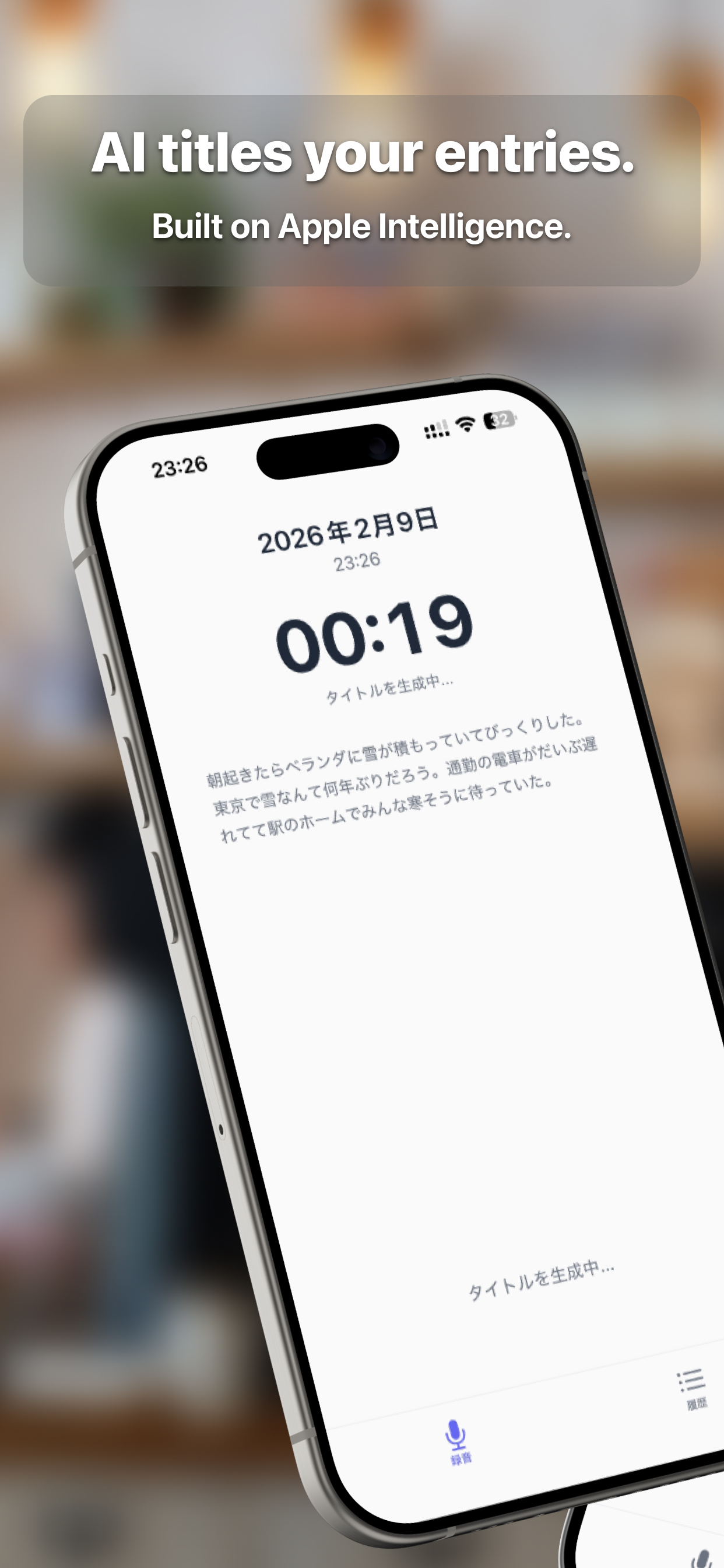
3. AI Generates a Title Automatically
After recording stops, AI automatically generates a title from the transcribed text. On iOS 26 or later with Apple Intelligence enabled, on-device AI handles this. On older devices, a rule-based method extracts the title.
You can always edit the title later.
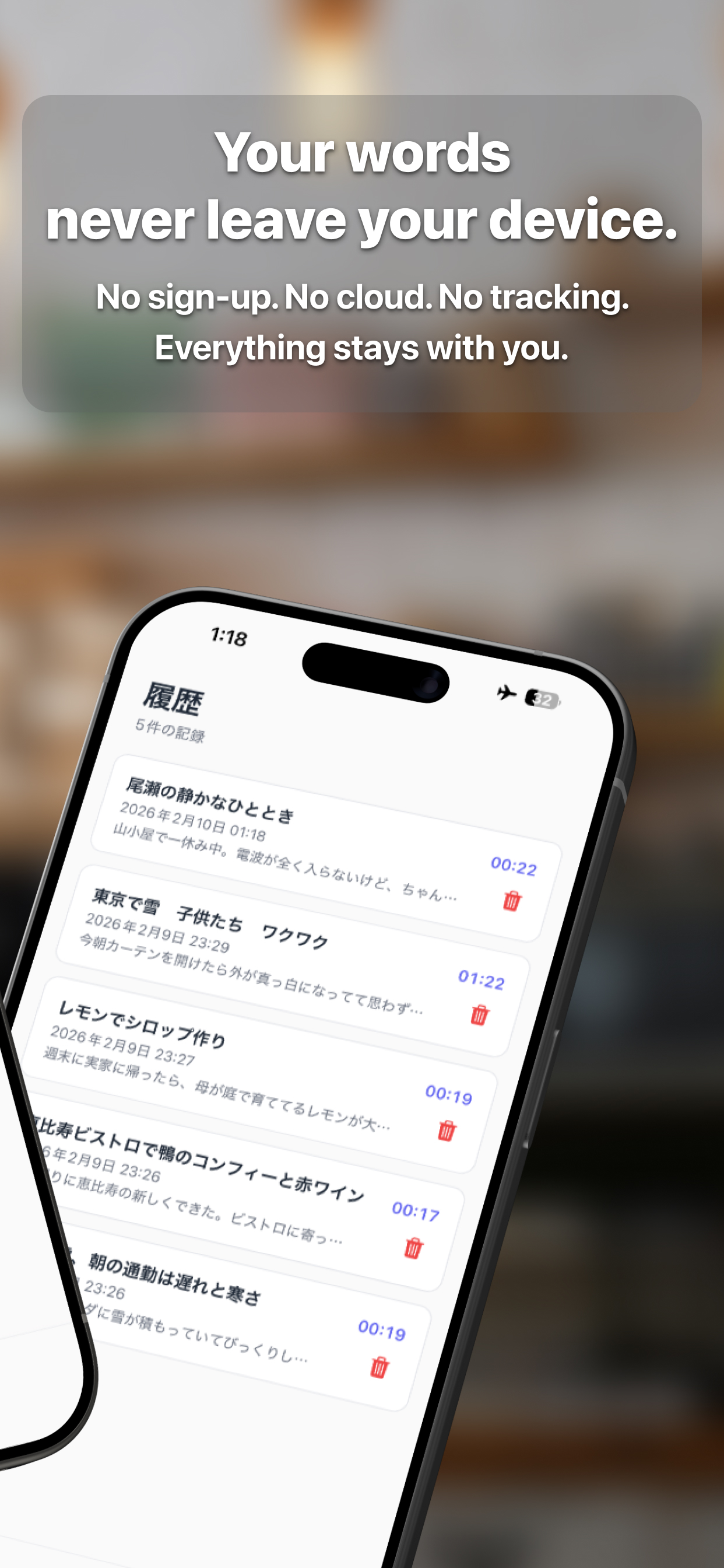
4. View Your History
Switch to the history screen using the tab at the bottom to see all past diary entries. Tap an entry to view or edit its content.
Swipe to delete entries you no longer need.
Works Offline
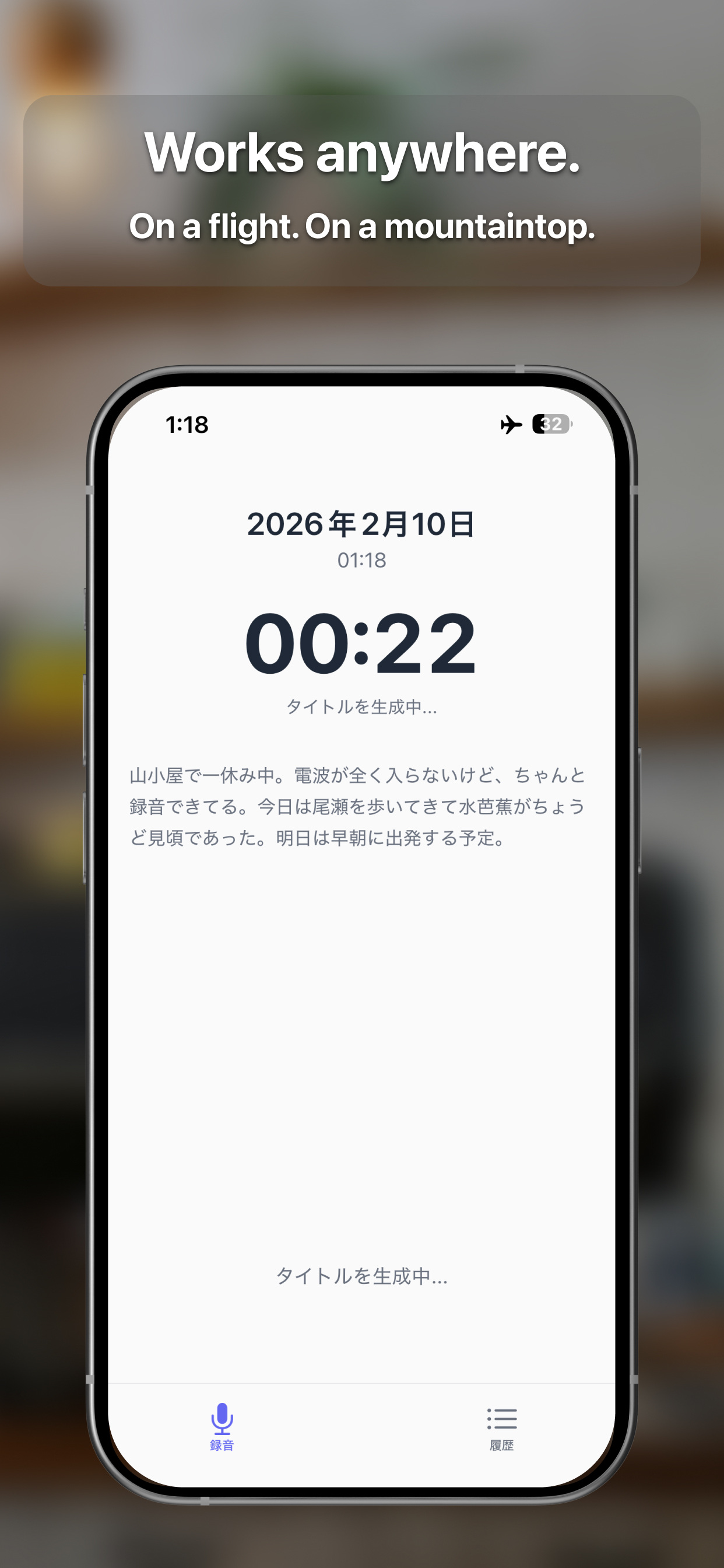
Koe Nikki requires no internet connection at all. It works fully in airplane mode or in areas with no signal.
Speech recognition, AI title generation, and data storage — everything is handled entirely on your device.
Managing Your Diary
- View & Edit: Tap a diary entry in the history screen to view and edit its content
- Delete: Swipe to delete entries you no longer need
- Complete Erasure: Uninstall the app to completely remove all data from your device
Note
Data is stored only on your device. There is no backup feature, so data will be lost if you delete the app or reset your device.